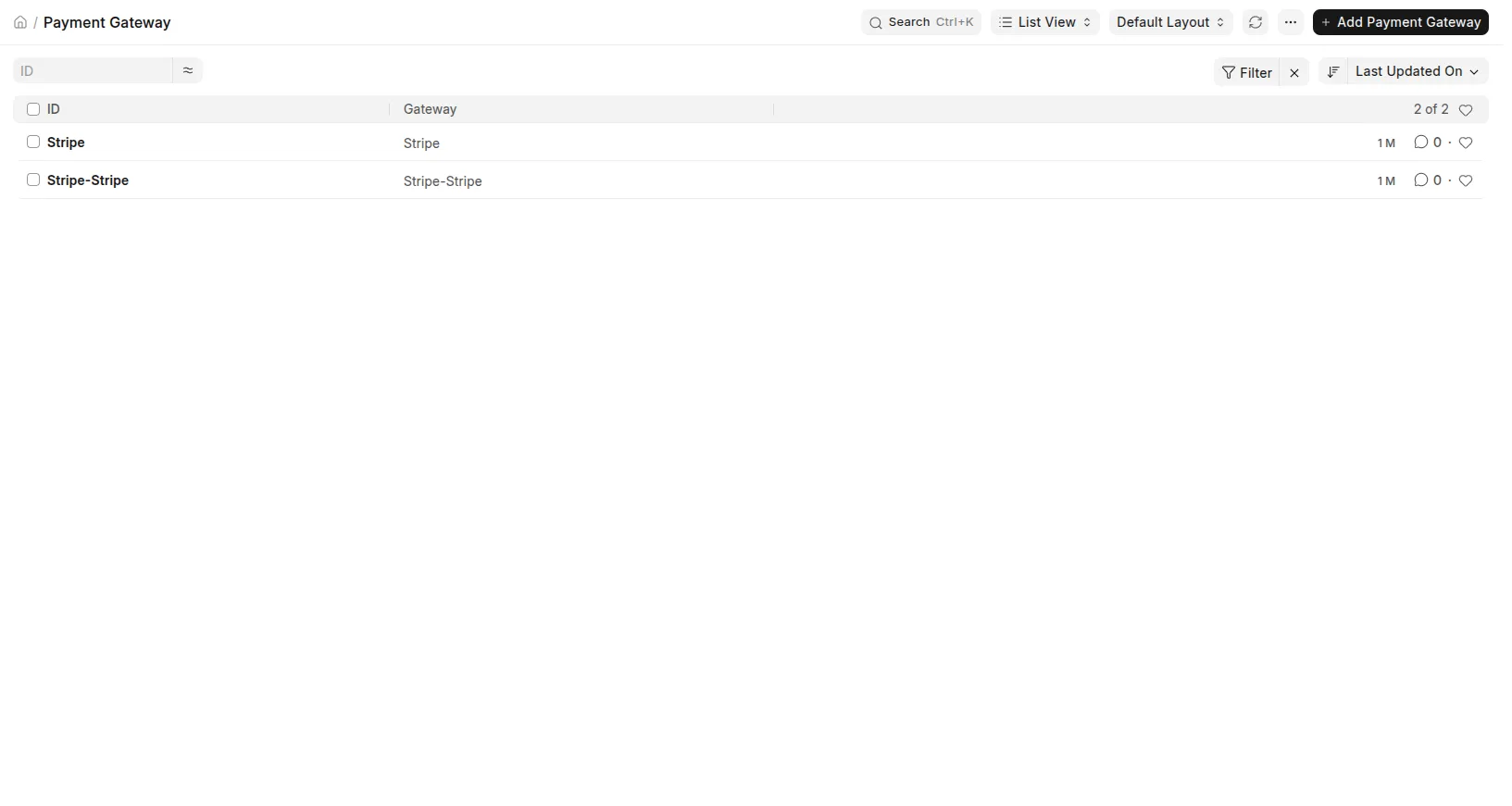
1. Configure a gateway
Open Payment Core → Gateway Settings from the desk. Click Add Gateway, select the gateway's settings doctype (e.g., Stripe Settings), and enter its API credentials.
2. Map your doctype
Open Payment Core → Field Mapping from the desk (or navigate to /app/payment-field-mapping-builder). Select your doctype and map its amount field.

3. Create a payment
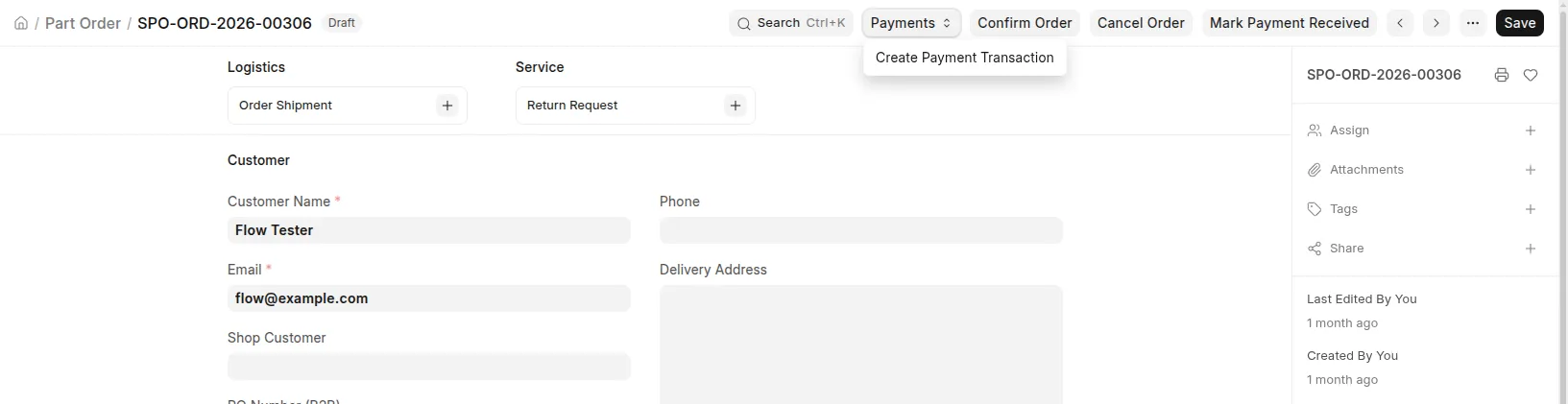
From the desk: Open any mapped document and click the Create Payment Transaction button.
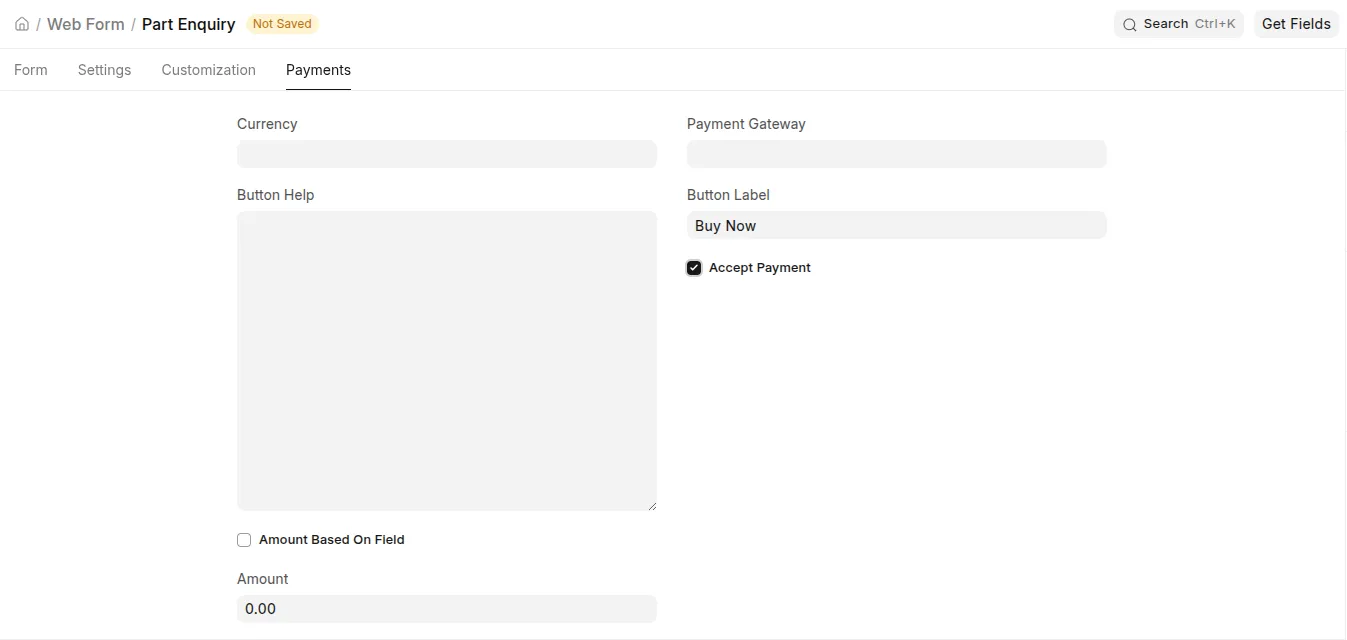
From a Web Form: Enable "Accept Payment" on any Web Form, select the gateway, and the buyer is redirected to the gateway's hosted checkout.

4. The buyer pays
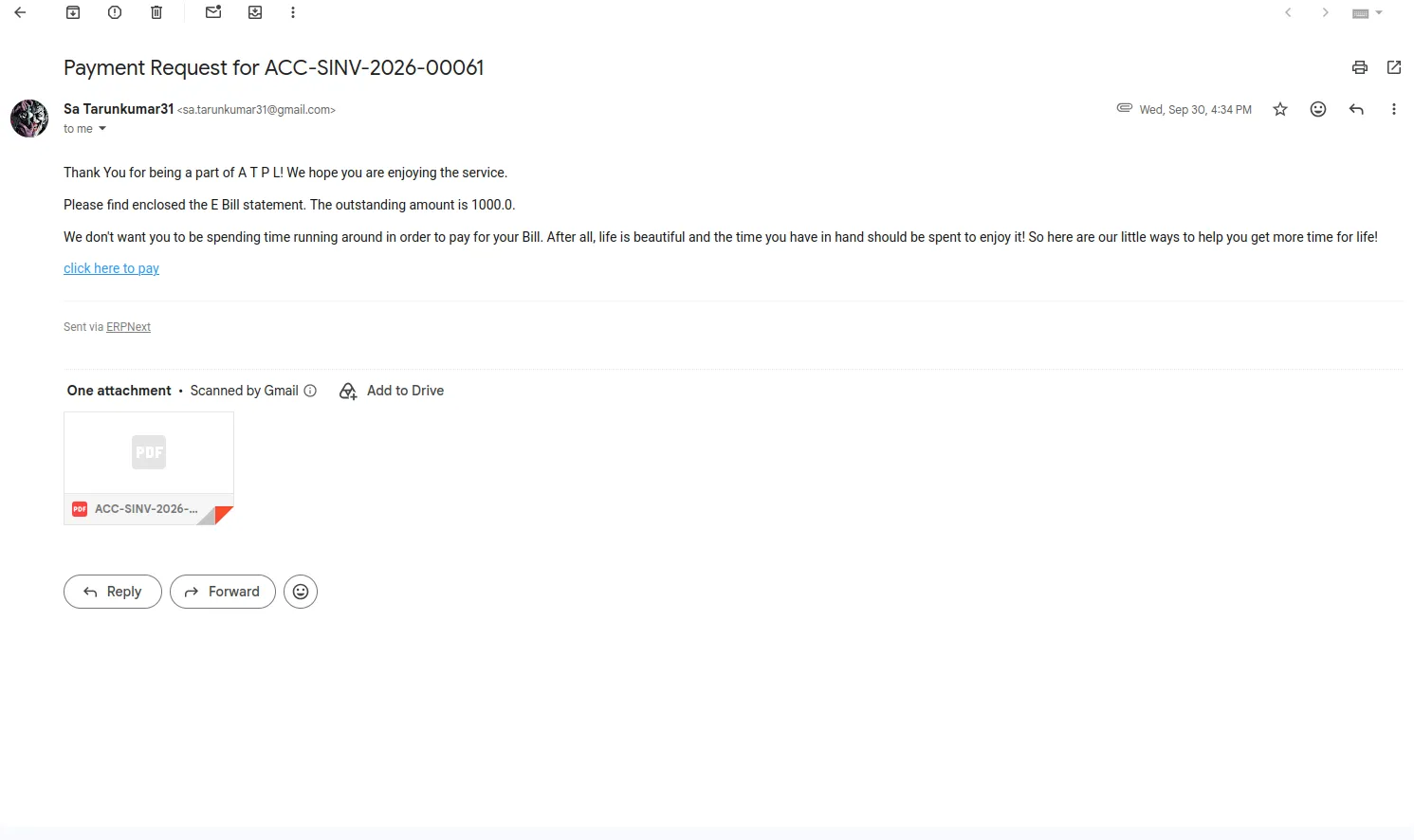
The buyer opens the checkout_url (emailed if the email flow is enabled), pays on the gateway's hosted page, and is redirected to the shared success page. Payment Core settles the transaction, books the receipt, and calls your app's on_payment_authorized hook.